
App Store Payments With Crypto on iPhone
Table of Contents
A Cleaner Way to Pay for Apple Services
The App Store, subscriptions, and digital add-ons all depend on card payments, but many crypto users prefer not to attach their main bank card to every purchase. A private virtual card gives you a more flexible option.
Many users discover Bing Kaart by searching for bing kaart or bing card when they want a quicker route from crypto to a usable card balance.
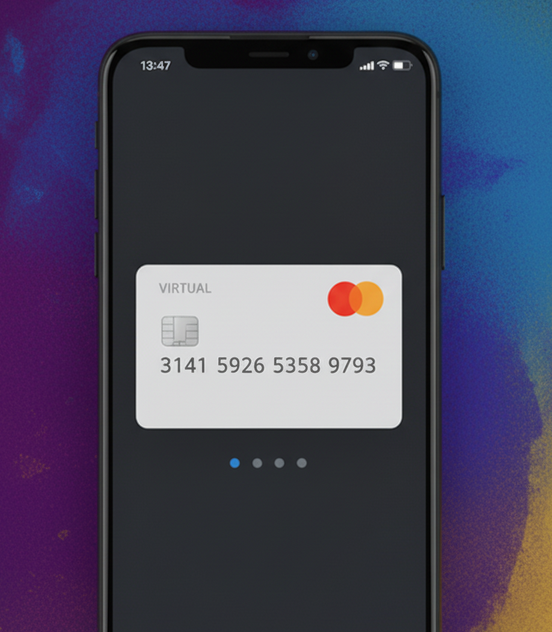
Use a crypto funded card for App Store purchases and renewals.
Why iPhone Users Choose a Private Card
A separate card is useful when you want tighter control over renewals, safer online storage of card details, and a dedicated balance for digital purchases.
- Keep App Store charges away from your main bank card.
- Set a fixed balance for subscriptions and in-app purchases.
- Use a virtual card for trials, renewals, and regional checkout tests.
- Swap or replace card details more easily when needed.
How Bing Kaart Works for Apple Payments
Once your account is funded, you generate a virtual card and add it to the payment method you want to use. That can be helpful for App Store billing and other supported Apple checkouts.
Bing Kaart keeps the funding side crypto friendly while giving you standard card details for day to day digital payments.
How to Get Started
- Sign up and open your card dashboard.
- Deposit crypto and confirm the available balance.
- Generate a virtual card and add it where you want to pay.
- Use the card for apps, subscriptions, or one-time Apple purchases.
A Better Fit for Digital Spending
App Store spending is easier when you use a card made for digital purchases instead of your everyday bank account. Bing Kaart gives you a practical option for crypto funded checkout on the Apple side of your online life.
Keep one card for Apple renewals, another for testing, and control the balance on both from the same place.